
DraftForge Launcher
A downloadable tool for Windows
DraftForge is a modern overlay toolkit designed for streamers, casters and esports productions.
Create clean, professional overlays for your stream in seconds — including draft phases, in-game stats and sponsor displays.
Built for performance, simplicity and full control.
✨ Features
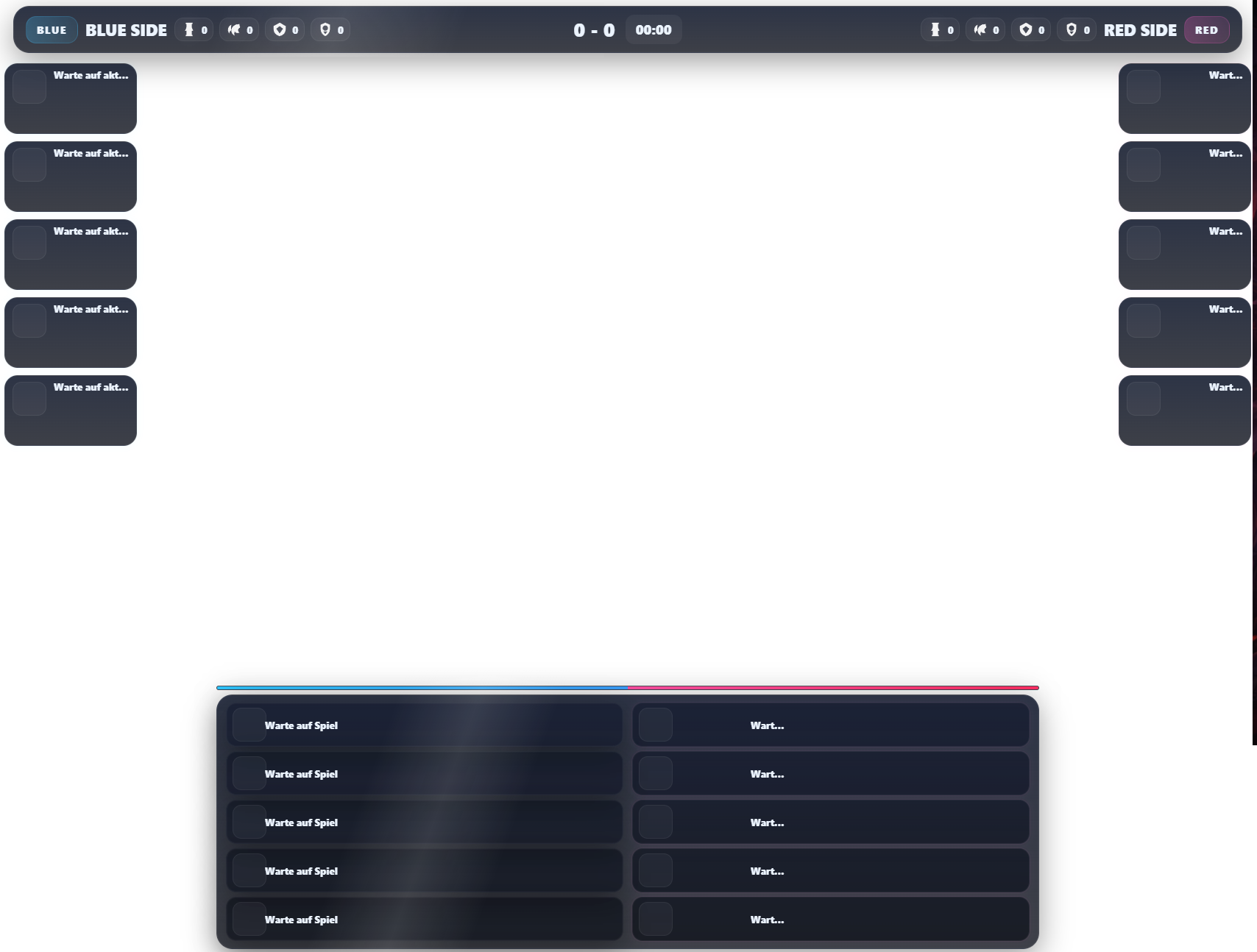
- 🎯 Draft Overlay
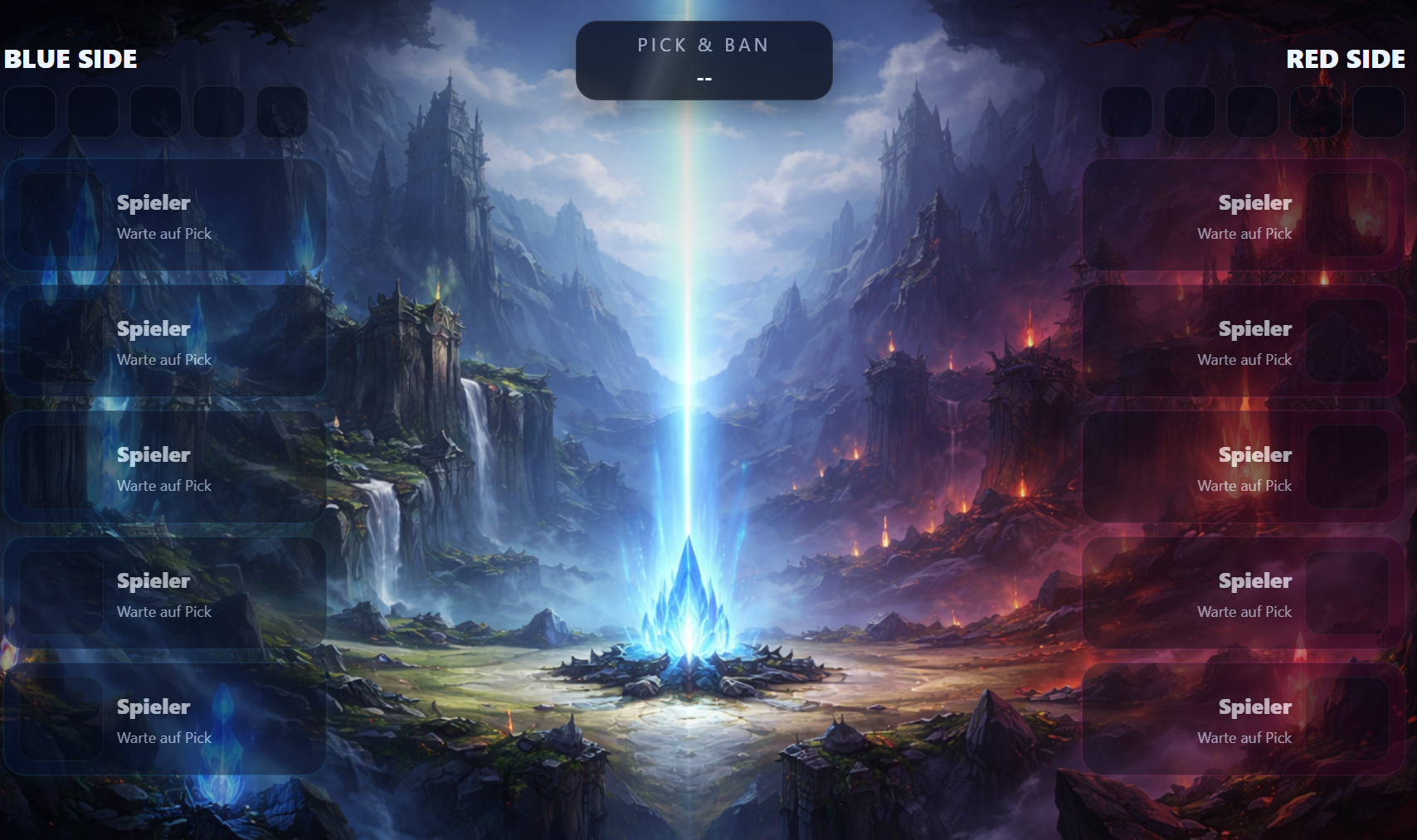
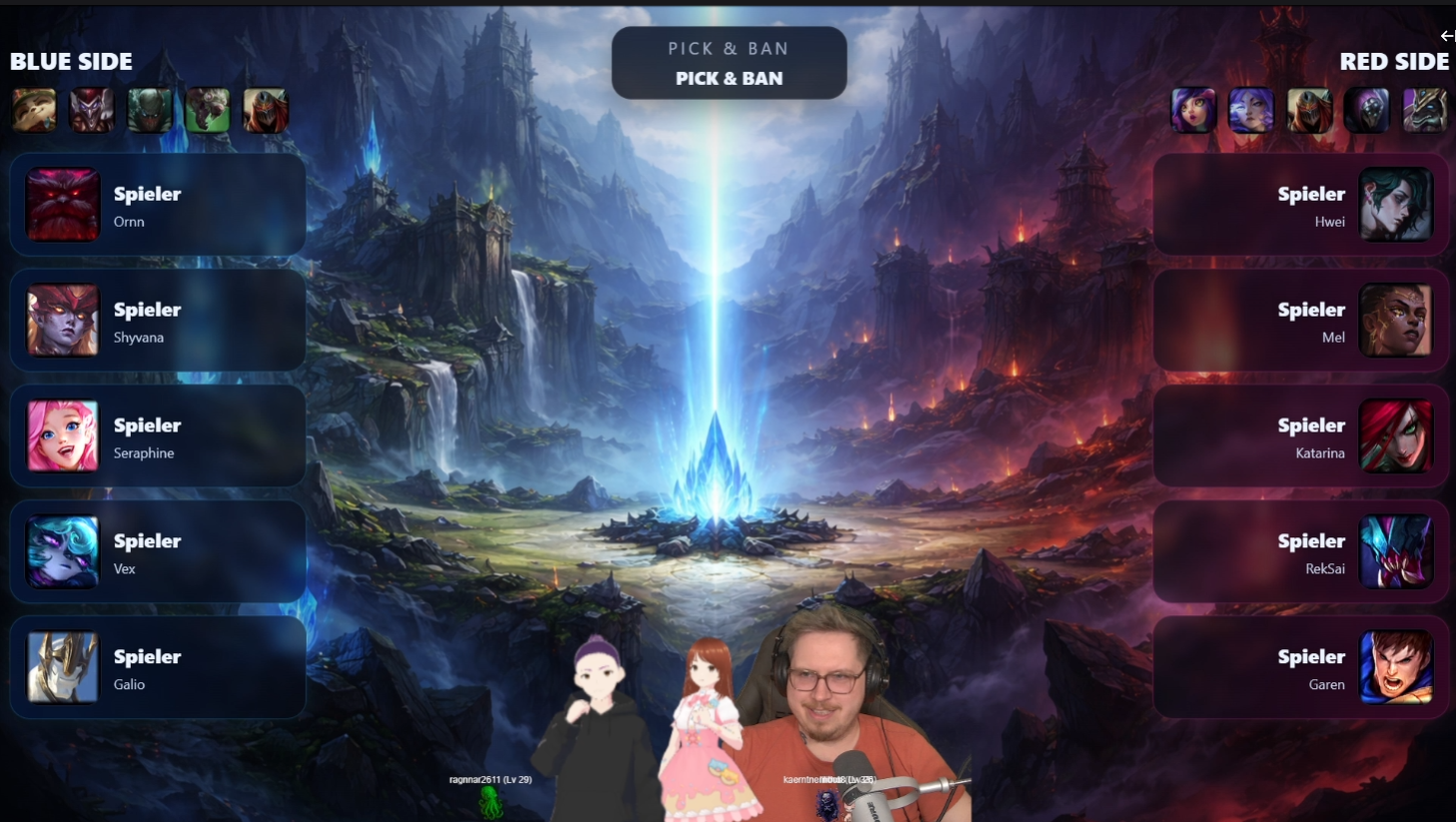
- Clean pick & ban display
- Active player highlight
- Ready for competitive streams
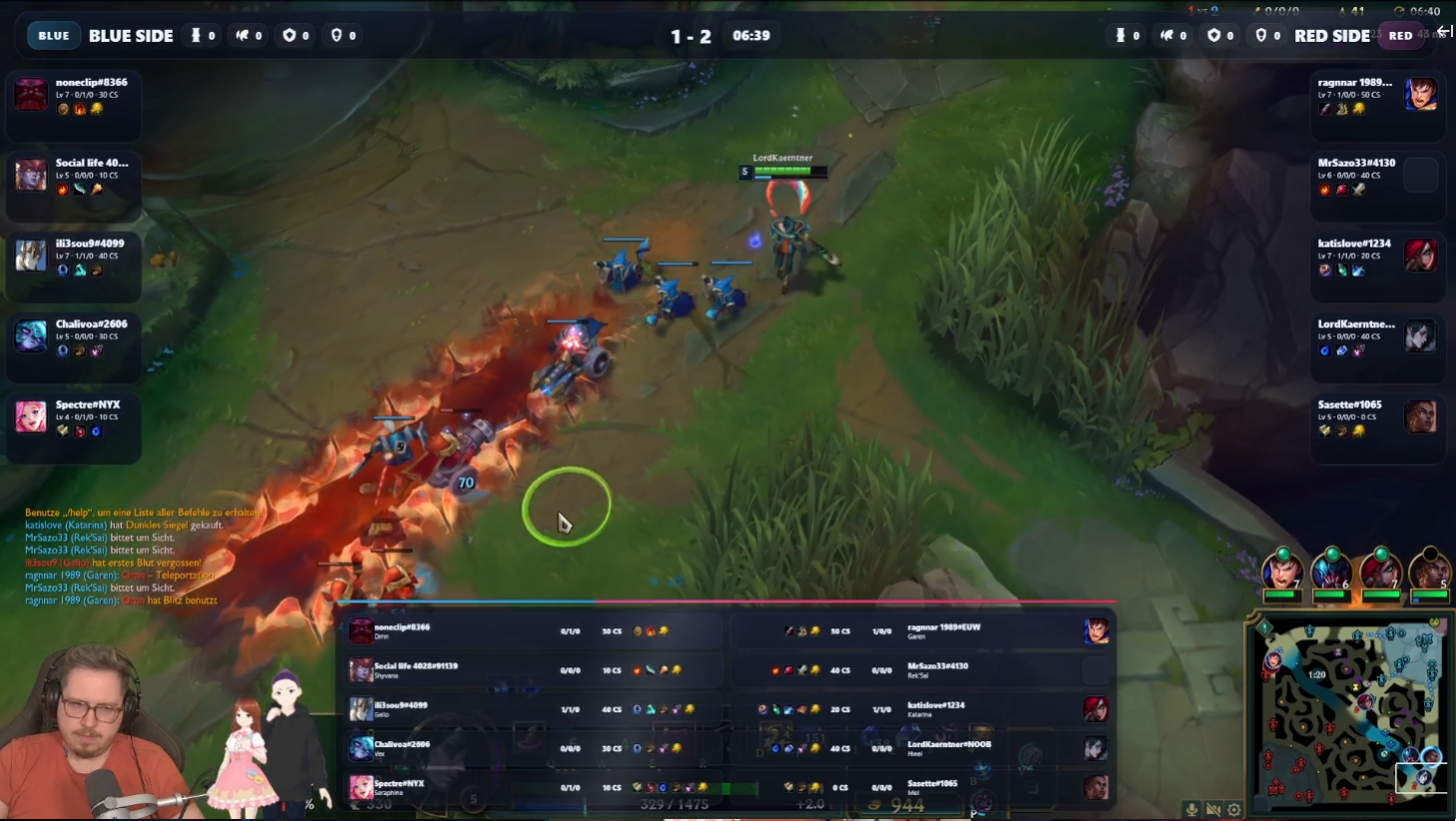
- 📊 Ingame Overlay
- Live stats from the game
- Momentum indicator
- Objectives and team overview
- 🤝 Sponsor Integration
- Dedicated sponsor page
- Perfect for breaks, panels or shoutouts
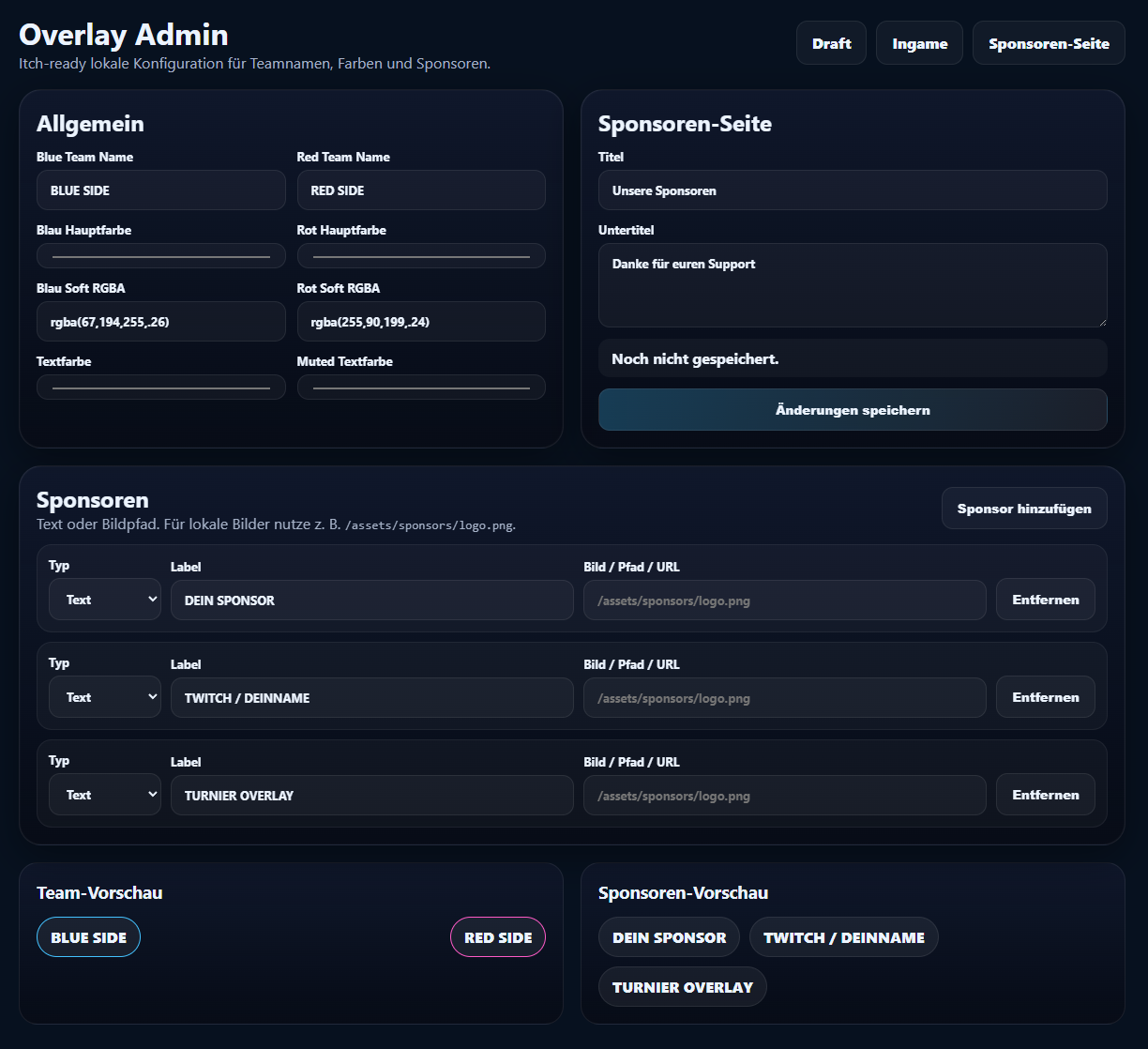
- ⚙️ Built-in Control Panel
- Configure team names
- Customize colors
- Manage sponsors easily
- 🧠 Smart & Lightweight
- Runs locally
- No external accounts needed
- Works directly with OBS Browser Sources
🖥️ How it works
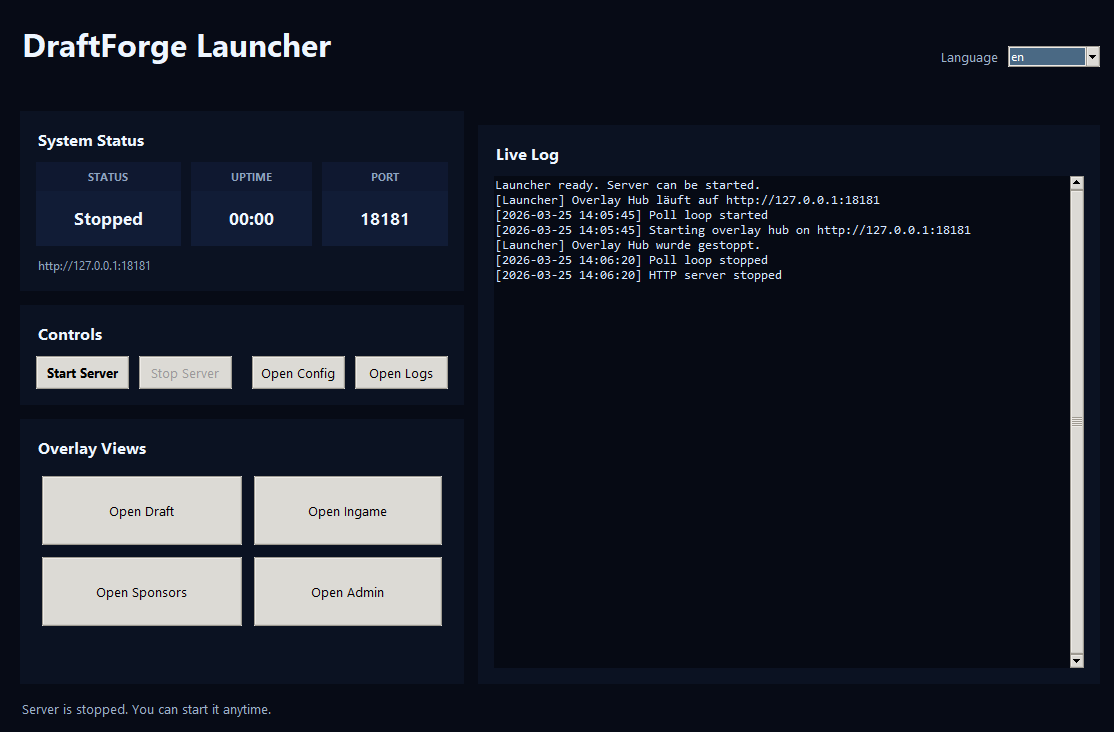
- Start the DraftForge Launcher
- Add the overlay URLs into OBS:
-
/draft -
/ingame -
/sponsors
-
- Customize everything via the admin panel
- Go live 🚀
💡 Why DraftForge?
- Designed for real stream workflows
- Clean and modern UI
- Easy setup, no technical knowledge required
- Built specifically for esports-style broadcasts
💸 Support
If you like DraftForge, feel free to support the project 💙
Every contribution helps improving the tool.
⚠️ Disclaimer
DraftForge is an independent tool and is not affiliated with or endorsed by any game developer.
Windows may show a SmartScreen warning on first launch because DraftForge is currently an unsigned indie application. Click “More info” → “Run anyway” to start it.
🖥️ How to use DraftForge
🚀 Step 1 – Start the Launcher
- Open DraftForge Launcher.exe
- Click “Start Server”
- Wait until the status shows: 👉 Running
⚠️ Important Requirement
DraftForge works with live game data.
👉 League of Legends must be running
👉 For full functionality, you need to be:
- in a match or
- in champion select (draft phase)
If the game is not running:
- overlays will still load
- but no data will be shown
🎥 Step 2 – Add the overlays to OBS
Open OBS Studio and do the following:
➜ Add a Browser Source
- Click “+” (Sources)
- Select Browser
- Create a new source (e.g. “Draft Overlay”)
➜ Use these URLs:
🎯 Draft Overlay
http://127.0.0.1:18181/draft
📊 Ingame Overlay
http://127.0.0.1:18181/ingame
🤝 Sponsor Page
http://127.0.0.1:18181/sponsors
➜ Recommended OBS Settings
- Width:
1920 - Height:
1080 - Enable:
- ✔ Refresh browser when scene becomes active
⚙️ Step 3 – Customize your overlay
Open the Admin Panel:
http://127.0.0.1:18181/admin
Here you can:
- Set team names
- Change colors
- Add/edit sponsors
- Adjust overlay settings
🎮 Step 4 – Go live
- Start League of Legends
- Enter champion select or a game
- Switch scenes in OBS
- Your overlay updates automatically
🔁 Notes
- The server must be running while using the overlays
- League of Legends must be active to display data
- All overlays run locally (no internet required)
- You can open overlays directly from the launcher
💡 Pro Tip
Use the Sponsor Page during:
- breaks
- intermissions
- sponsor shoutouts
Download
Click download now to get access to the following files:
Leave a comment
Log in with itch.io to leave a comment.