StreamForge – Interactive Twitch Avatar System
A downloadable tool for Windows
⚠️ IMPORTANT – PLEASE READ BEFORE DOWNLOADING
When starting the app for the first time, Windows may show a security warning ("Windows protected your PC"). This is normal because the application is not yet signed.
To run the app: Click "More info" → "Run anyway"
This project is currently in an early testing phase. Expect bugs, changes, and frequent updates.
StreamForge – Interactive Twitch Avatar System
Turn your Twitch chat into a living, interactive world.
StreamForge allows your viewers to spawn as avatars inside your stream and interact with each other in real time through chat commands, events, and gameplay systems.
🚀 Features
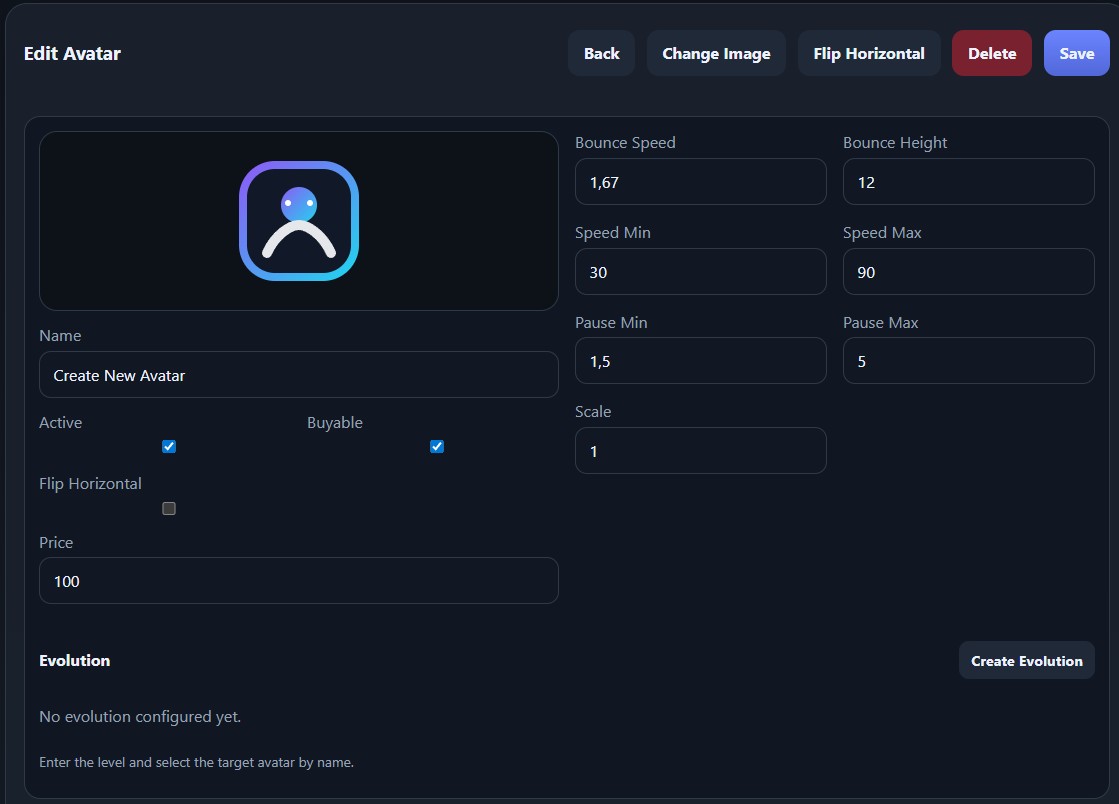
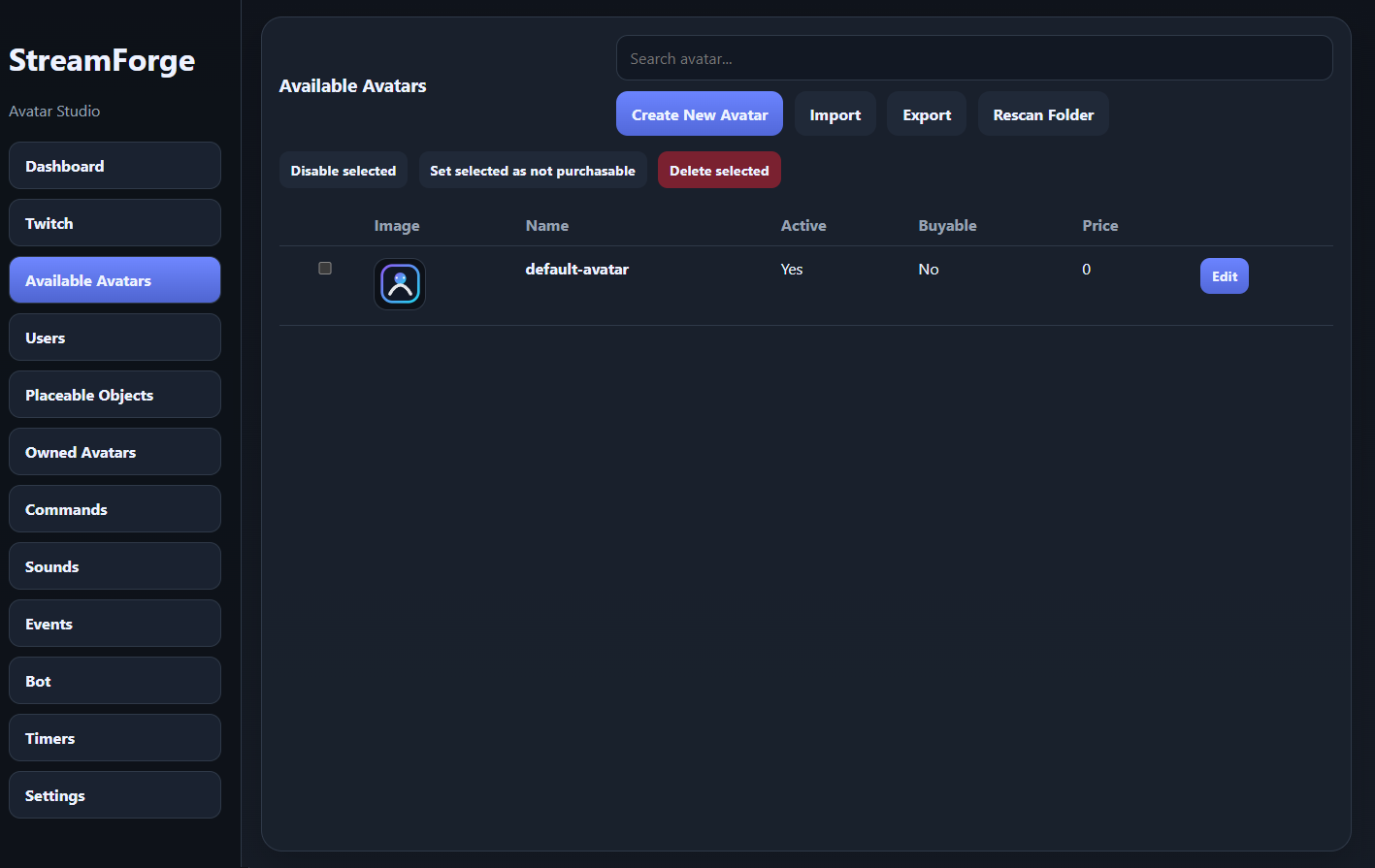
👤 Avatar System
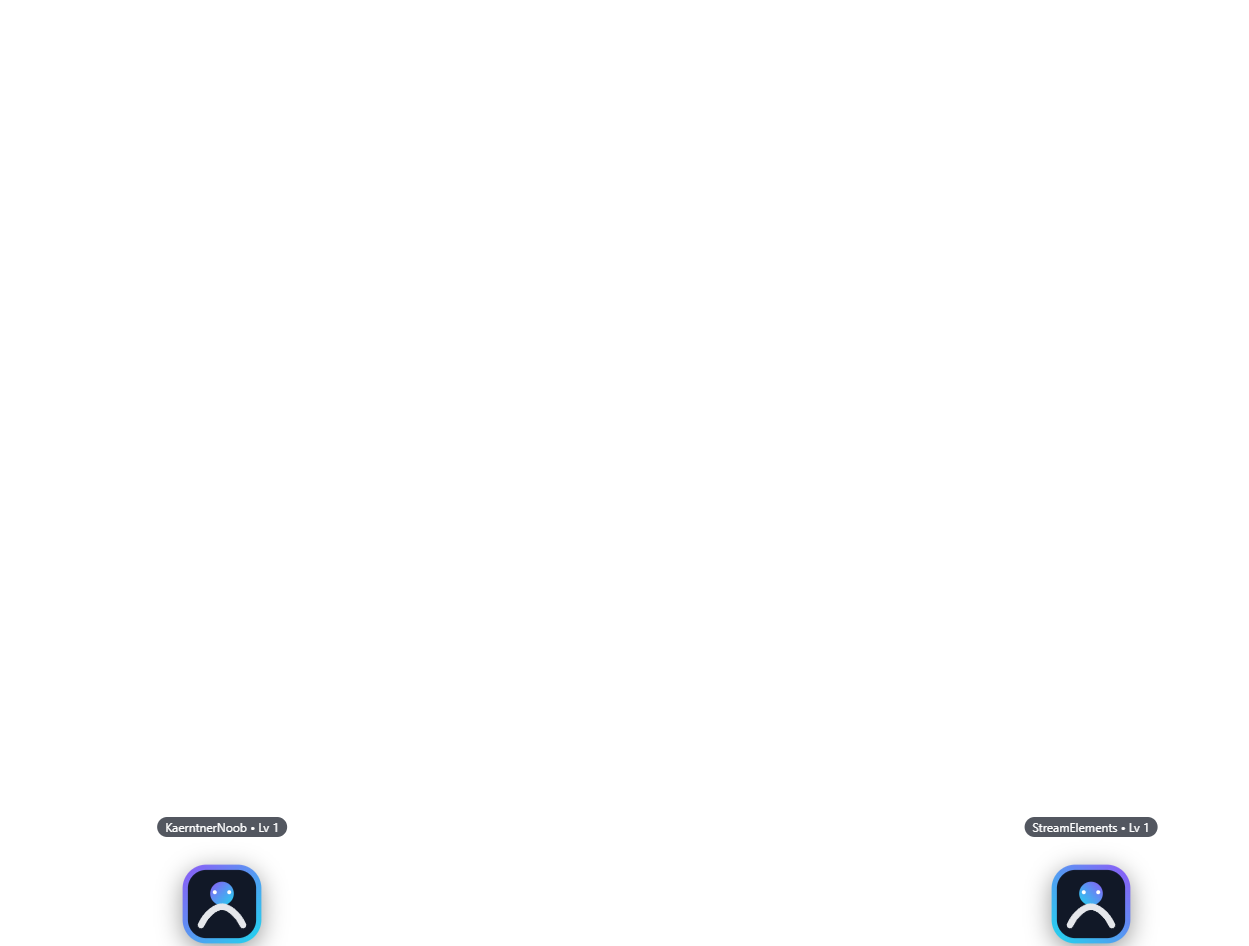
- Viewers spawn as avatars directly in your OBS overlay
- Leveling system (XP per avatar)
- Evolution system with upgrade paths
- Multiple avatars per user
- Avatar shop with gold system
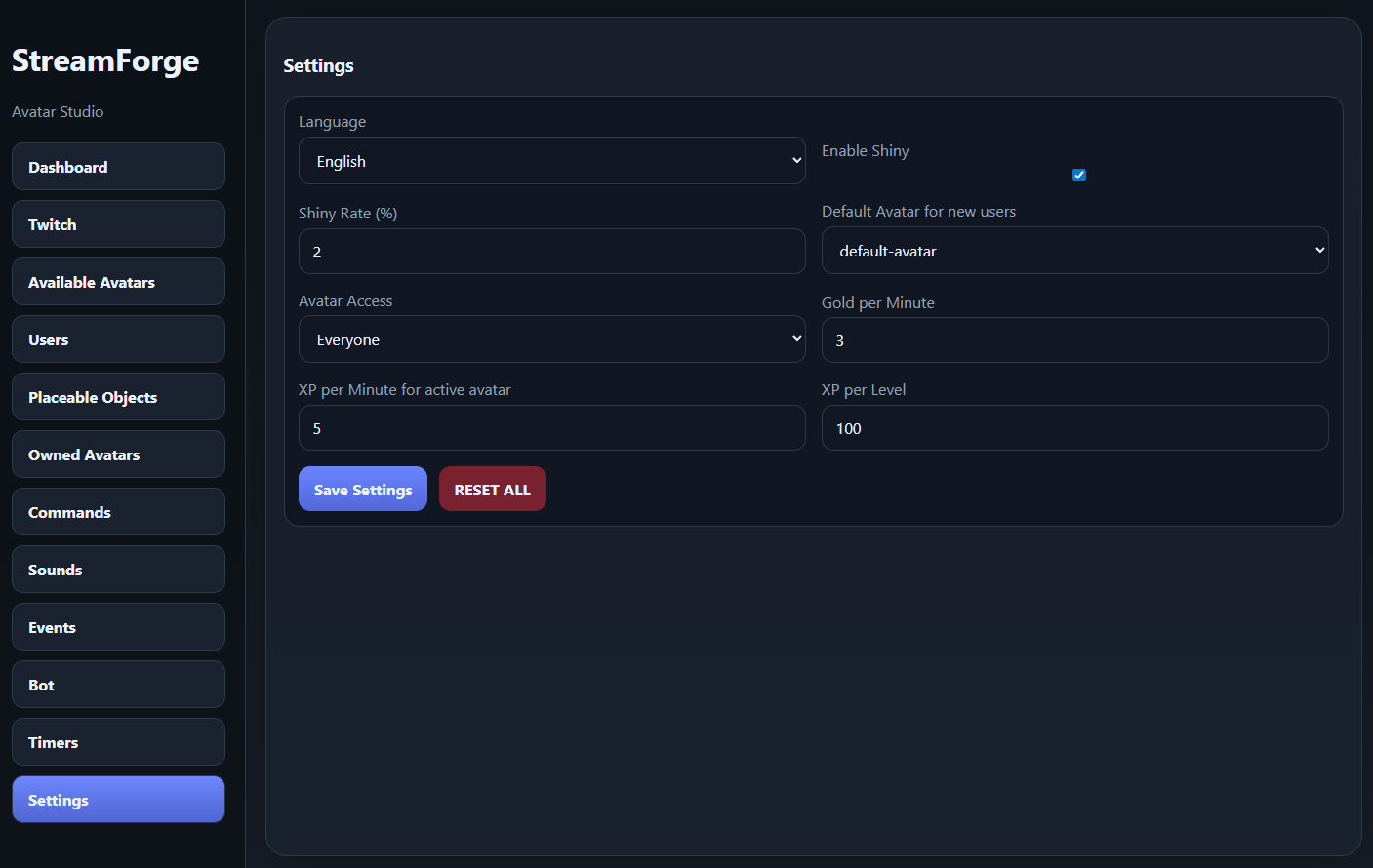
- Shiny variants with configurable drop chance
💰 Economy & Progression
- Passive gold income for viewers
- Buy, equip, and manage avatars via chat
- Fully customizable prices and rewards
- Per-avatar progression instead of per-user
🎮 Interactive Commands
!buy,!equip,!avatars,!gold- Fun interactions like:
!fart!hug!attack
- Custom commands with cooldowns, costs, and permissions
🎲 Events System
- Built-in Roulette Event
- Viewers can place bets using chat
- Configurable messages and timing
- Expandable event system
🧱 Placeable Objects
- Viewers can place objects in the world:
!place objectname
- Objects appear at the viewer’s position
- Configurable cost, cooldown, and scale
- Rendered behind avatars for depth
🔊 Sound System
- Trigger sounds via chat commands:
!sound name
- Upload your own sounds
- Cooldowns and costs supported
- Test button included
⏱️ Timer System
- Automated chat messages
- Fully configurable intervals
- Manage multiple timers easily
🤖 Twitch Integration
- Connect your Twitch account and bot
- Reads chat in real time
- Sends automated responses
- Viewer synchronization
🎥 OBS Integration
- Use as a Browser Source
- Local overlay (no external server needed)
- Works instantly with OBS
🌍 Language Support
- Full English / German switching
- UI + bot messages adapt dynamically
- Custom texts remain untouched
⚙️ Customization
StreamForge is built to be highly configurable:
- Avatar behavior
- Economy system
- Commands
- Events
- Sounds
- Access control (followers / subscribers)
🧪 Early Access / Testing Phase
This software is still in active development.
You may encounter:
- Bugs
- Missing features
- UI inconsistencies
- Frequent changes between versions
Feedback is highly appreciated!
💡 Requirements
- Windows 10 / 11
- OBS Studio
- Twitch account
📦 Installation
- Download the portable version
- Start the application
- Connect your Twitch account
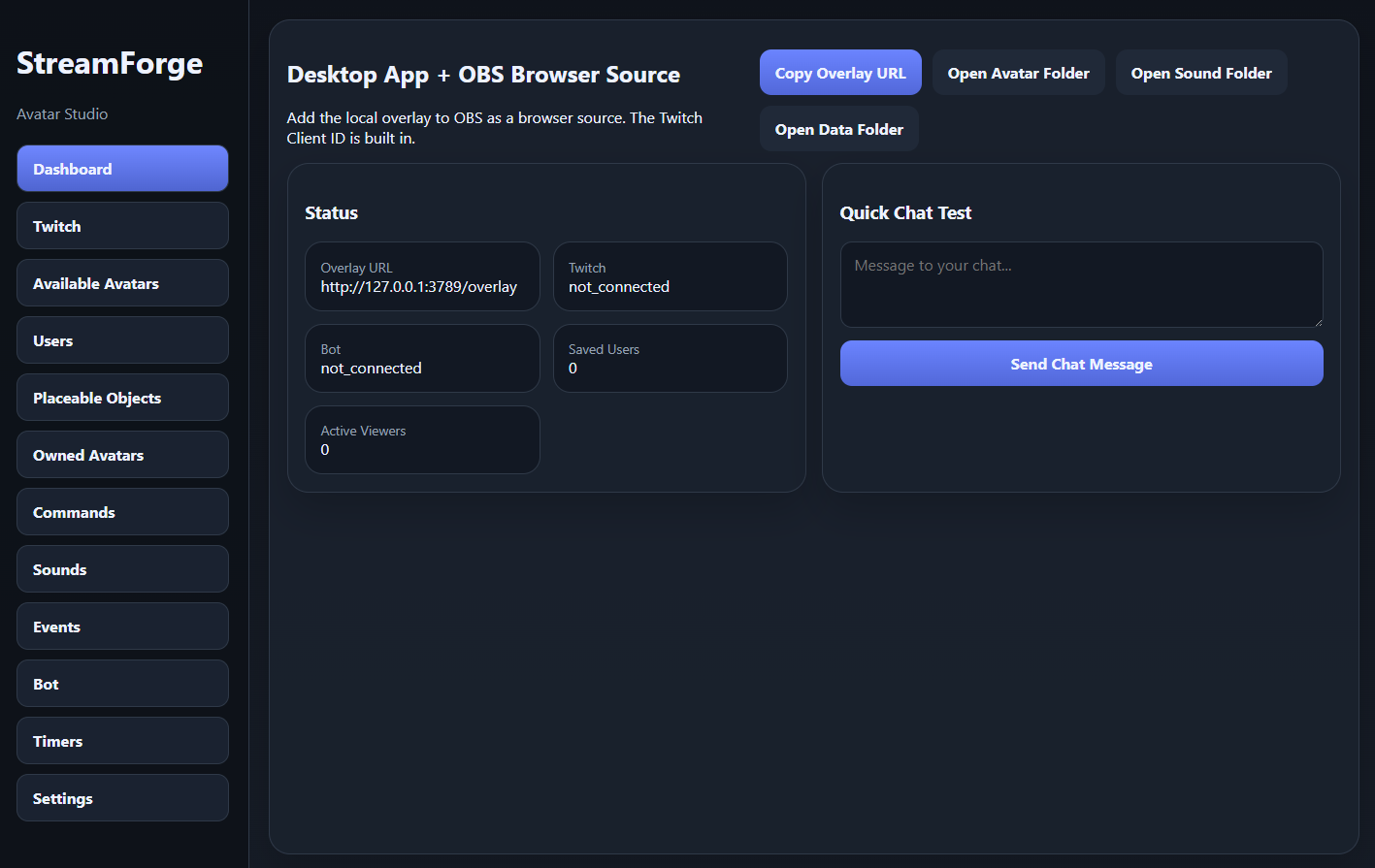
- Add the overlay to OBS as a Browser Source
- Start your stream and enjoy
❤️ Support & Feedback
If you like the project or want to help improve it:
- Share feedback
- Report bugs
- Suggest features
StreamForge is designed to make your stream interactive, alive, and unique.
Download
Click download now to get access to the following files:
Development log
- UPDATE 2026-08-1313 days ago
- UPDATE 2026-04-25Apr 25, 2026
- UPDATE 2026-04-08Apr 08, 2026
- DEMOAVATARSApr 05, 2026
Leave a comment
Log in with itch.io to leave a comment.